

Economyplayer shopsmy storestocksales
Player Shops
Open a storefront, organize stock and galleries, set prices, and understand payouts.
Updated September 18, 2026
Build a public storefront
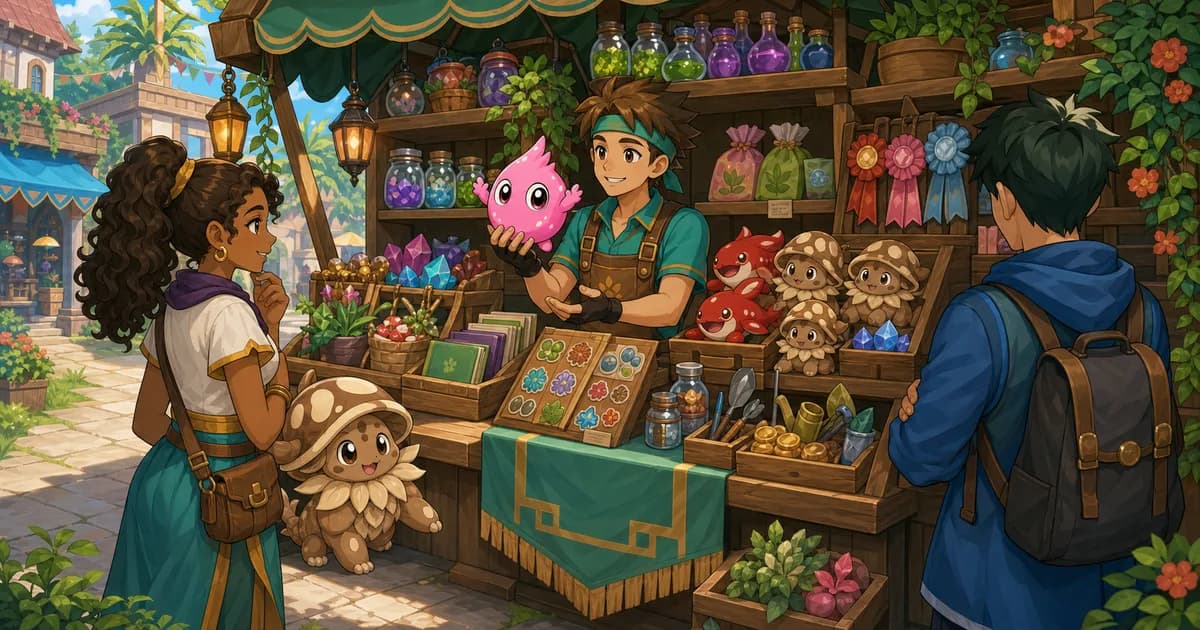
My Store turns eligible inventory into a storefront you control. Choose what is for sale, what is only displayed, how sections are ordered, and whether shoppers can currently visit.
Closing preserves the setup. Closing your store hides the public storefront without deleting its sections, stock, prices, description, or ambience settings.
Store loop
- Open and name the store. Pay 10,000 SC, choose a name, and optionally connect the storefront to a map location.
- Move inventory into Stock. Store stock is escrowed until it is sold or returned to your inventory.
- Organize the backroom. Keep owner-only drafts in the backroom before moving them into a public section.
- Price or display items. For-sale sections require prices; gallery sections show collectibles without offering them for purchase.
- Grow the store when you need room. Extra sections unlock for SC, and Store Expansion Deeds add shared listing slots to the whole store.
- Review sales and payouts. Sales history records each buyer, item, price, fee-adjusted payout, and purchase time.
- View the shop as a visitor. Check section order, featured items, prices, description, and ambience before opening to shoppers.
Where to go
FAQ
- How much does opening a store cost?
- Opening a player store costs 10,000 SC and includes one for-sale section and one gallery section.
- How much can my store hold?
- One pool of 150 listings covers your backroom and every section together. Store Expansion Deeds, redeemed with tickets at the Ticket Counter, add 50 more slots each.
- Can I add more sections?
- Yes. Section three costs 5,000 SC, section four costs 15,000, and each one after that costs 30,000, up to ten sections. Each section can be for sale or a gallery.
- What happens when I move an item into store stock?
- The item is escrowed in the store, so it cannot be traded, auctioned, consumed, or used elsewhere until you return it to inventory.
- How much does a seller receive?
- The seller payout is the listed price minus the 3% player-store sale fee.