

Economytradingauctionsbazaarvalue
Trading And Auctions
How Trading Bazaar offers, Frostbid bids, escrow, fees, and settlement work.
Updated September 18, 2026
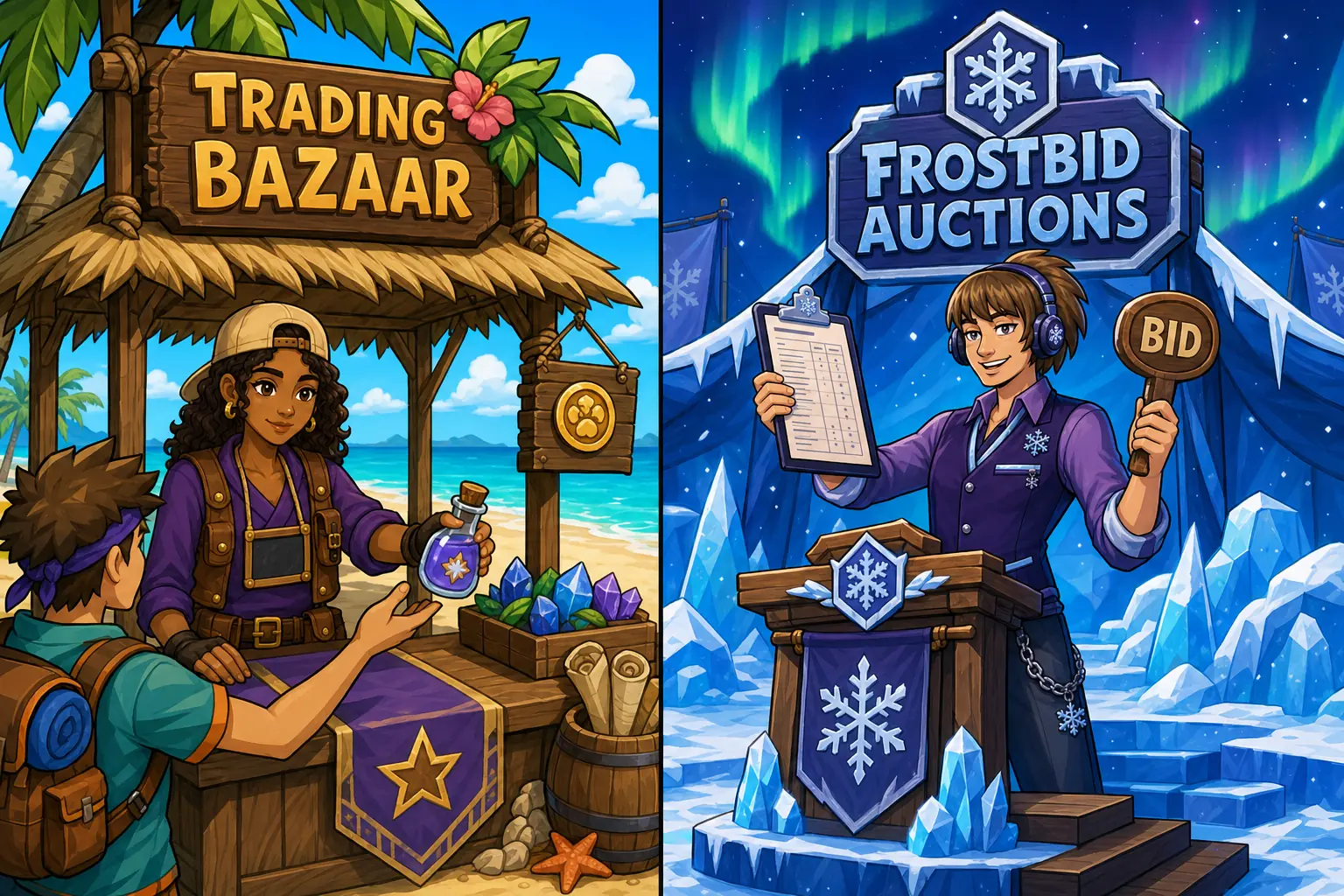
Trading Bazaar
- Create a listing. List up to 20 tradeable inventory items, describe what you want, and choose a duration. Twelve-hour posts are free; longer posts show a fee.
- Make or compare offers. Offers can include items, SC, or both. Each offer has a private thread for clarifying the deal.
- Update, revoke, or accept. Offerers can edit active offers. The listing owner chooses which offer to accept, and both sides transfer atomically.
Cancelling can cost more. Cancelling a listing that already has offers costs twice its posting fee. Offerers get their escrow back.
Frostbid Auctions
- List one item. Choose a starting bid, optional Buy Now price, and duration. The item enters escrow and the listing fee is paid up front.
- Bid from your wallet. A leading bid locks its full SC amount. Buy Now settles immediately when available.
- Watch and settle. Save auctions or item types, follow the countdown, and review the result in My Auctions.
Useful links
FAQ
- What is escrow?
- Listed or offered items and committed SC are held outside your usable inventory or wallet until the trade, offer, or auction resolves.
- Can I change a Trading Bazaar offer?
- Yes. You can update or revoke an active offer before it resolves. Declined, revoked, expired, and unaccepted offers are returned.
- What happens when I am outbid?
- Your previous leading bid is returned automatically. You can then decide whether to place another bid.
- Does Frostbid charge sale fees?
- Yes. A completed sale deducts a 5% seller fee. Cancelling after a bid also refunds the bidder and pays them a 20% current-bid penalty from the seller.