

Account & Betadiscordconnectaccountcommunity
Connect Discord to Sensipets
Link your Discord account, join the Sensipets server, and check your connection.
Updated September 27, 2026
Open Account settings
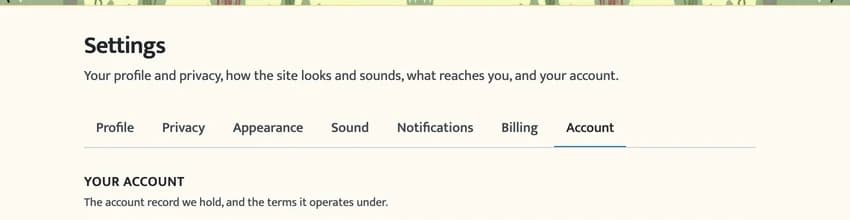
Sign in to Sensipets, then open Settings → Account. Scroll to Connections.
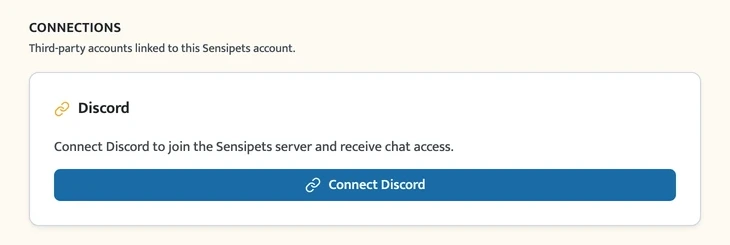
Connect your Discord account
Select Connect Discord. Discord will open so you can sign in if needed, review the requested access, and choose Authorize. You will return to Account settings when the connection finishes.
Sensipets adds you to the community server and updates your roles. The Discord card then shows your connected account and status.
If the connection needs attention
- Authorization was cancelled or expired. Return to Account settings and select Connect Discord again.
- The Discord account is already in use. Disconnect it from the other Sensipets account before linking it here.
- You left the server. Select Rejoin server on the Discord card to authorize joining again.
- Your roles need updating. Select Sync roles on the Discord card. If the problem continues, contact support.
You can also select Disconnect on the same card to unlink your Discord account.
Useful links
FAQ
- Do I need SensiFan to connect Discord?
- No. Any player can connect Discord. SensiFan adds a subscriber role while the membership is active.
- Can I use the same Discord account with two Sensipets accounts?
- No. A Discord account can be connected to only one Sensipets account at a time. Disconnect it from the other account before trying again.