

Petsfamiliarsfusiongenomeslab
Familiar Fusion
How to choose parents, tune a chamber, use Catalysts, and read a Fusion result.
Updated September 11, 2026
Before you fuse
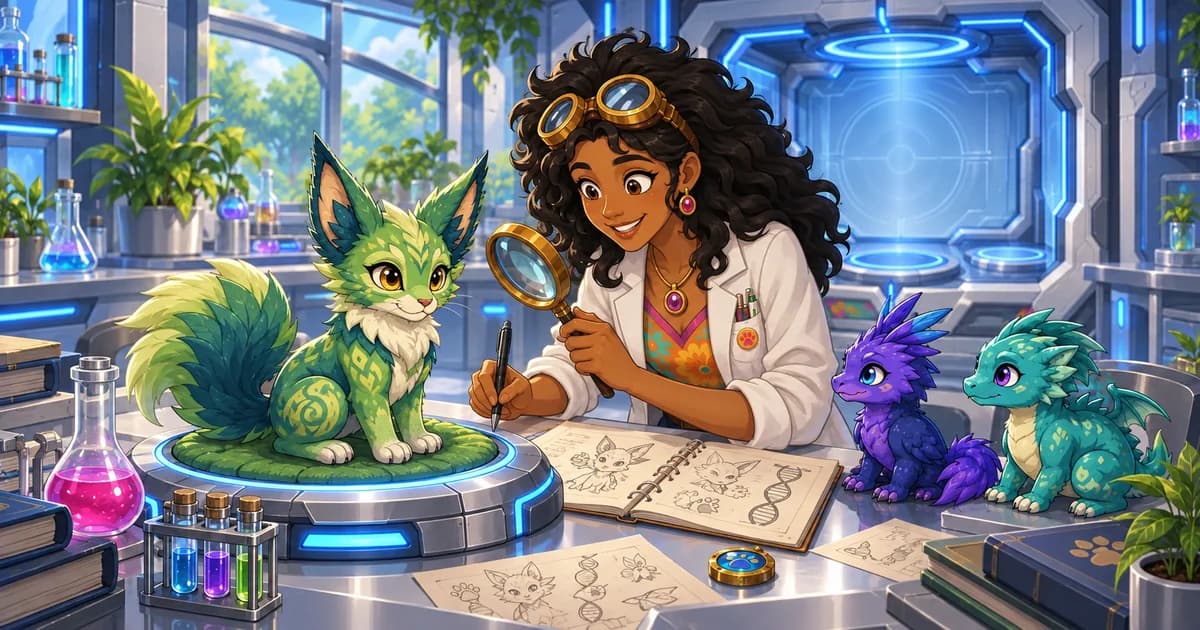
Fusion is the discovery side of the familiar system. Pick two familiars, inspect their possible inherited traits, and choose a Calibration that shapes how the chamber resolves them.
Review before starting. Parents and optional Fusion Catalysts are consumed as soon as the experiment begins. The completed familiar waits safely in the Lab until you claim it.
Fusion loop
- Pick parents. Choose two familiars whose genes, visual traits, or family lines you want to combine.
- Choose a Calibration. Calibrations are reusable chamber settings that shape the possible genetic result.
- Add a Catalyst if useful. A Fusion Catalyst can recall an eligible outcome you previously claimed from the selected pairing. It is consumed when Fusion starts.
- Return and claim. The experiment continues while you leave. Claim the completed familiar to record its genes and lineage.
- Use Reverb carefully. A matching Reverb Catalyst can split a claimed Fusion result back into fresh copies of its original pair.
Where to go
- Familiar Lab — Research, fuse, and use Reverb Catalysts.
- Familiar Almanac — Review discovered familiar knowledge.
FAQ
- Can I fuse familiars I have not researched?
- Yes. Research is not required. Because research consumes its subject, use existing Almanac knowledge and gene reports rather than researching a parent you intend to fuse.
- What does Fusion consume?
- Starting a standard Fusion consumes both parents and any optional Fusion Catalyst. Calibrations are reusable and are not consumed.